Screenshots





About This App
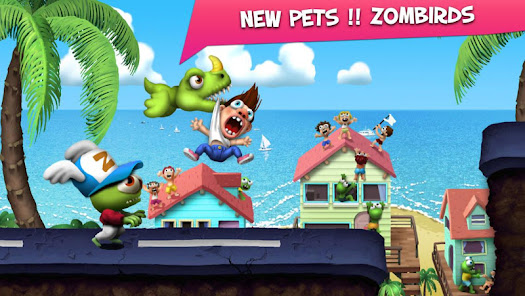
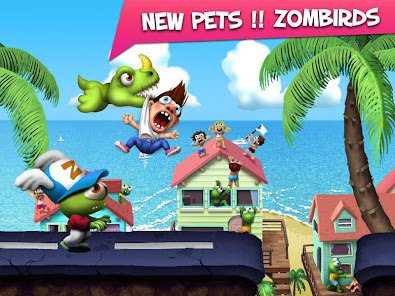
Zombie Tsunami – colorful arcade game for Android devices, operating on the now fashionable theme of a zombie apocalypse. However, the project has a good idea that you have to play on the side of the undead. The gameplay is a runner with a side view. Taking control of an infected, you need to run around and bite healthy people, turning them into zombies. This will follow the main character. The more people infected, the bigger the crowd, the more fun it becomes to play. Zombies are disgusting! Attack the city with a horde of zombies, turn pedestrians into zombies and create the biggest horde.
Download Links
Mod Info
- Unlimited Money
How to install Zombie Tsunami MOD APK 4.6.7
Zombie Tsunami 4.6.7 is an Action game by Mobigame SAS, and this MOD version comes with Unlimited Money. The download file is Zombie-Tsunami-mod-apk-Unlimited-Money-4.5.134.apk. On Google Play the original Zombie Tsunami has a 4.5-star rating from 6.21M reviews and 500,000,000+ installs.
- Start the download of
Zombie-Tsunami-mod-apk-Unlimited-Money-4.5.134.apkusing the button above. - If the original Zombie Tsunami from Google Play is installed (
net.mobigame.zombietsunami), uninstall it first. The MOD uses the same package name but a different signature, so Android will not install it over the original. Before uninstalling, link your Zombie Tsunami progress to Google Play Games or the account option in the game settings so you can restore it. - Allow the installation: Settings > Apps > Special app access > Install unknown apps, then enable it for your browser or file manager.