


Screenshots

About This App
Description:
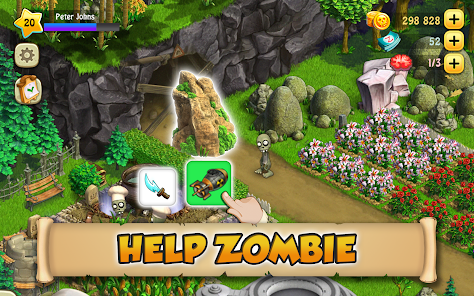
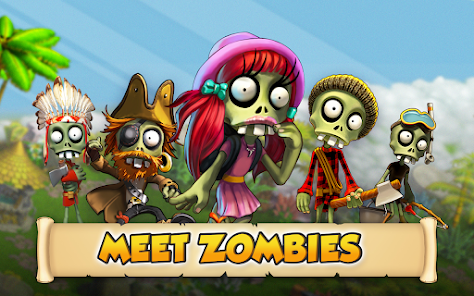
Experience life on a farm island next to friendly and loving zombie adventures in Zombie Castaways! Here is a list of things that never get boring in the zombie universe:
Features:
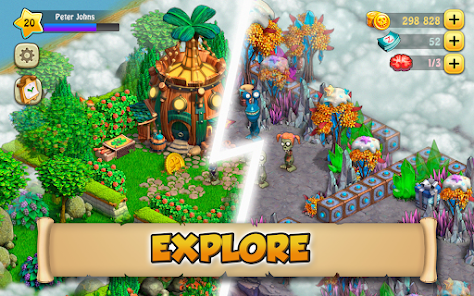
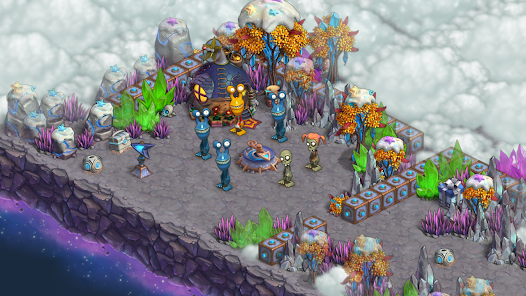
* Travel through the diverse world of zombies! Toy Island Tour, Hot People City Ride, Asteroid Space Mission, Safari Island Adventures – That’s what you call it, Zombie has!
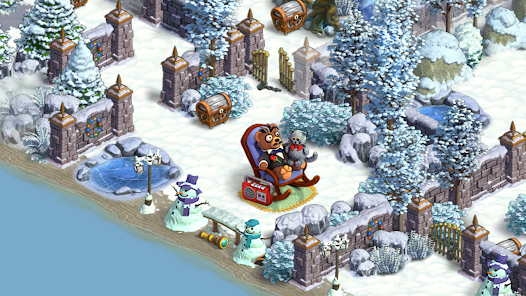
* Build your home island: choose from the usual zombie fields and factories or world-famous landmarks – the Eiffel Tower, the Egyptian Sphinx, the Louvre Museum and more!
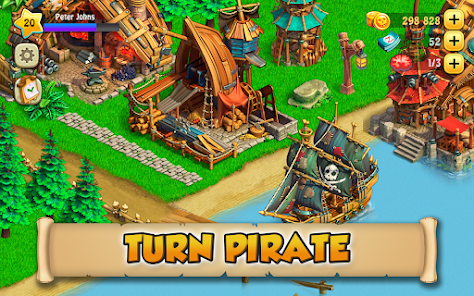
* Bring back the great pirate island and start your career as a zombie pirate with all the well-known attributes: a noisy tavern, orders from sea wolves and distant travels!
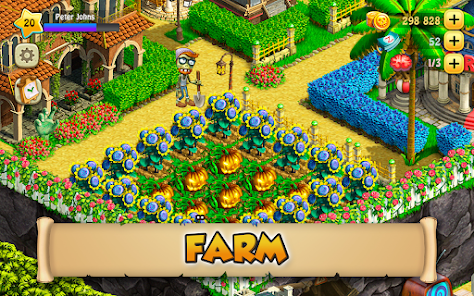
* Set up your own zombie farm and grow the most unusual plants, fruits and flowers – collect the first crops of the farm from blueberries, necropses, eyeball peas, and what not!
* Follow the moving story of the main character: will Zombie ever become a man out of love for his life?
Supported Android Versions:-
Jelly Bean(4.1–4.3.1)- KitKat (4.4–4.4.4)- Lollipop (5.0–5.0.2) – Marshmallow (6.0 – 6.0.1) – Nougat (7.0 – 7.1.1) – Oreo (8.0-8.1) – Pie (9.0)
Download Links
Additional Information
Developer
VIZOR APPS LTD.
Version
4.56.4
Release / Update Date
N/A
Rating
4.5
How to install Zombie Castaways MOD APK 4.56.4
Zombie Castaways 4.56.4 is a Simulation game by VIZOR APPS LTD.. The download file is Zombi_Ferma_v1.3.2_Mod.apk. On Google Play the original Zombie Castaways has a 4.5-star rating from 890K reviews and 10,000,000+ installs.
- Download Zombie Castaways 4.56.4 from the list above.
- If the original Zombie Castaways from Google Play is installed (
com.vizorinteractive.zombiesettlersv2), uninstall it first. The MOD uses the same package name but a different signature, so Android will not install it over the original. Before uninstalling, link your Zombie Castaways progress to Google Play Games or the account option in the game settings so you can restore it. - Give your browser permission to install apps: Settings > Apps > Special app access > Install unknown apps > choose your browser > Allow.
























