Screenshots


About This App
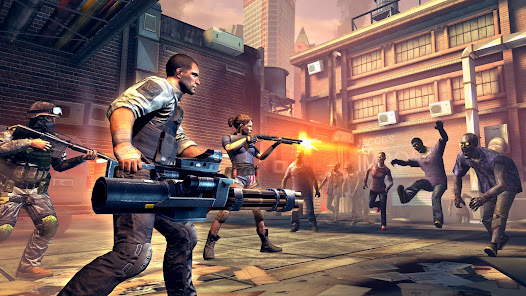
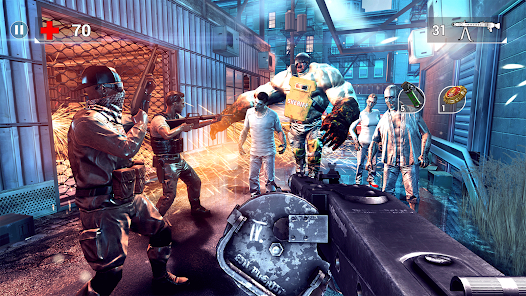
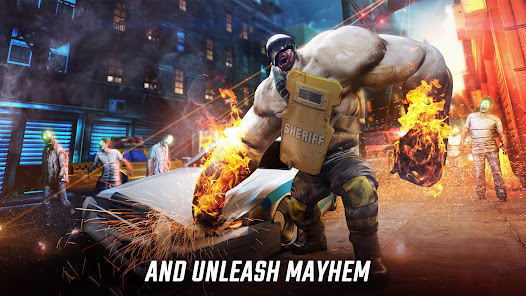
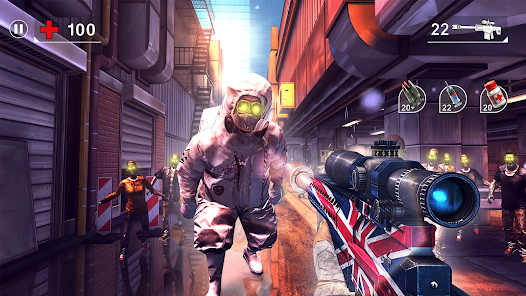
UNKILLED – Zombie Games FPS – new zombie first-person shooter from the developers of such great projects as Shadowgun and Dead Trigger, which have a lot of similarities. The story itself is not. Again the scientists tested the new drug, again the experiment got out of hand and the virus broke out, infecting everyone along the way. However, it is necessary for the player to clear the infected area of the undead, performing a variety of missions. Get ready for the best zombie game. From the authors of Dead Trigger and Dead Trigger 2, hit zombie games downloaded over 160 million times worldwide. Fight for survival in more than 150 missions with an epic story. • Aim for unique zombies and bosses, including SHERIFF, DODGER, MINESWEEPER, BUTCHER and more.
Download Links
Mod Info
- Menu
How to install UNKILLED Zombie Games FPS MOD APK 2.5.1
UNKILLED Zombie Games FPS 2.5.1 is an Action game by Deca_Games, and this MOD version comes with Menu. The download file is unkilled-v2.3.3-mod.apk (922 MB). On Google Play the original UNKILLED Zombie Games FPS has a 4.4-star rating from 750K reviews and 10,000,000+ installs.
- Tap the first download link above to get
unkilled-v2.3.3-mod.apk(922 MB). - Make sure your phone has about 2.26 GB of free storage: Android needs extra room to unpack the 922 MB file during installation.
- If the original UNKILLED Zombie Games FPS from Google Play is installed (
com.madfingergames.unkilled), uninstall it first. The MOD uses the same package name but a different signature, so Android will not install it over the original. Before uninstalling, link your UNKILLED Zombie Games FPS progress to Google Play Games or the account option in the game settings so you can restore it.