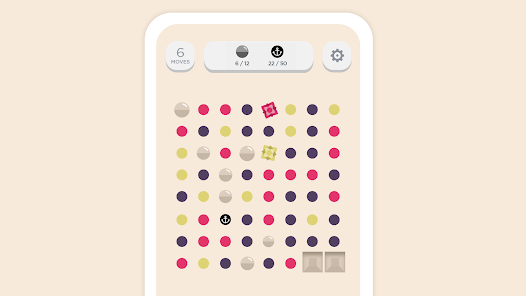
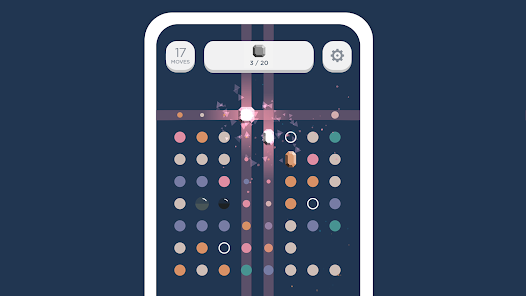
Screenshots

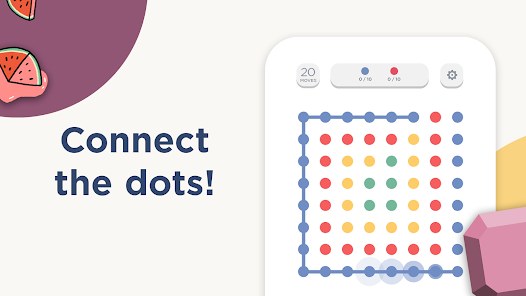
Screenshot 1 for Two Dots MOD APK android 5.24.4
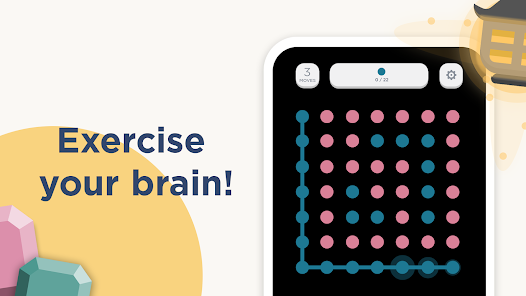
Screenshot 2 for Two Dots MOD APK android 5.24.4
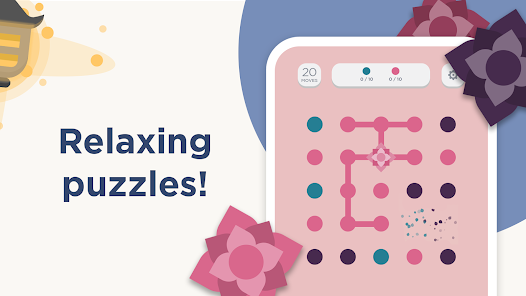
Screenshot 3 for Two Dots MOD APK android 5.24.4
Screenshot 4 for Two Dots MOD APK android 5.24.4
Screenshot 5 for Two Dots MOD APK android 5.24.4
Screenshot 6 for Two Dots MOD APK android 5.24.4
Screenshot 7 for Two Dots MOD APK android 5.24.4
Screenshot 8 for Two Dots MOD APK android 5.24.4

About This App

Two Dots MOD APK Android 5.24.4 Screenshot
Description: Connect two bold dots by traversing the Arctic tundra, navigating the fiery jungles and plunging into the depths of the ocean in game # 1 in over 100 countries. Features: * FREE to play for life * Connect one dot to another, drown anchors, create a line, create bombs, fight fire and much more in this fun free puzzle game * ADVENTURE through 2700 fun and addictive levels * ADORABLE a fun and thoughtful game in this beautiful connecting game * ENJOY the beautiful minimalist flat design with relaxing in-game music and pleasant sound * PLAY at your own pace to come up with the perfect move without worrying about the old time clock Supported Android Versions:- Jelly Bean(4.1–4.3.1)- KitKat (4.4–4.4.4)- Lollipop (5.0–5.0.2) – Marshmallow (6.0 – 6.0.1) – Nougat (7.0 – 7.1.1) – Oreo (8.0-8.1) – Pie (9.0)

Additional Information

Developer
PlayDots
Version
9.32.1
Release / Update Date
N/A
Rating
4.3
Show more

How to install Two Dots MOD APK 9.32.1

Two Dots 9.32.1 is a Puzzle game by PlayDots. The download file is Two-Dots-Mod-free-shopping-7.9.5.apk (182 MB). On Google Play the original Two Dots has a 4.3-star rating from 1.15M reviews and 50,000,000+ installs.

  1. Download Two Dots 9.32.1 from the list above - the file is 182 MB.
  2. Make sure your phone has about 460 MB of free storage: Android needs extra room to unpack the 182 MB file during installation.
  3. If the original Two Dots from Google Play is installed (com.weplaydots.twodotsandroid), uninstall it first. The MOD uses the same package name but a different signature, so Android will not install it over the original. Before uninstalling, link your Two Dots progress to Google Play Games or the account option in the game settings so you can restore it.