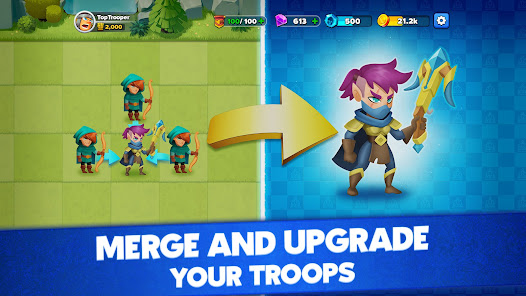
Screenshots

About This App
Description:
The fun is over, soldier! Time for some really fast tower defense action. Lucky for you, Toy Defense 2 has you covered. We invite you to play one of the best defense games in the mobile gaming industry, the atmosphere of battle games has never been so tense. Let the memories of boring defense games fade away – jump into epic TD combat, take command of powerful vehicles, hone your strategic skills and become the best commander of your army to win every battle of WWII. A new website in the defense games industry has been launched. Inspired by the greatest events of the 20th century, these tower games leave an unforgettable experience.
Features:
– Three game modes: PvE missions, tournaments and real-time PvP battles in the Arena
– 290 action packed tower defense missions, absolutely free
– Famous WWII campaigns such as the Battle of Iwo Jima and Operation Overlord
– Vehicles from Great Britain, USA, USSR and Germany
– Tournaments with a rating system
– Stunning graphics
Supported Android Versions:-
Jelly Bean(4.1–4.3.1)- KitKat (4.4–4.4.4)- Lollipop (5.0–5.0.2) – Marshmallow (6.0 – 6.0.1) – Nougat (7.0 – 7.1.1) – Oreo (8.0-8.1) – Pie (9.0)
Download Links
Additional Information
Developer
Unknown Developer
Version
N/A
Release / Update Date
N/A
Rating
4.0
How to install Toy Defence 2 Tower Defense game MOD APK 2.23
Toy Defence 2 Tower Defense game 2.23 is a Strategy game. The download file is toy-defense-2-v2.16.apk.
- Download Toy Defence 2 Tower Defense game 2.23 from the list above.
- If the original Toy Defence 2 Tower Defense game from Google Play is installed, uninstall it first. The MOD uses the same package name but a different signature, so Android will not install it over the original. Before uninstalling, link your Toy Defence 2 Tower Defense game progress to Google Play Games or the account option in the game settings so you can restore it.
- Allow the installation: Settings > Apps > Special app access > Install unknown apps, then enable it for your browser or file manager.