


Screenshots

About This App
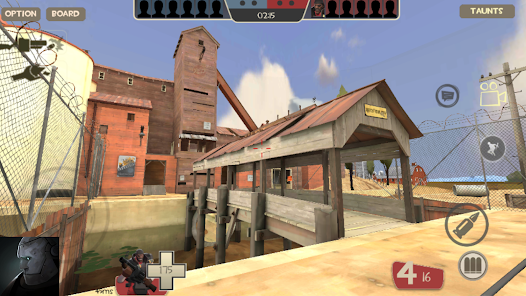
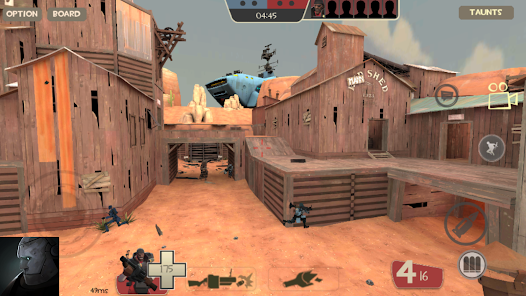
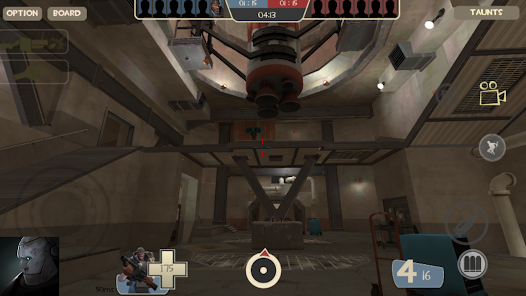
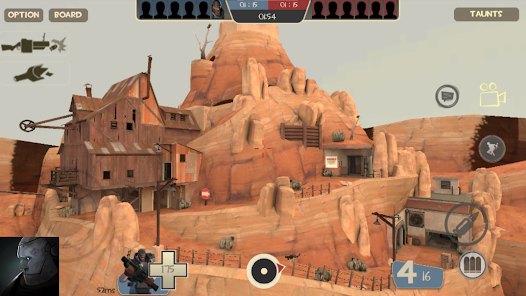
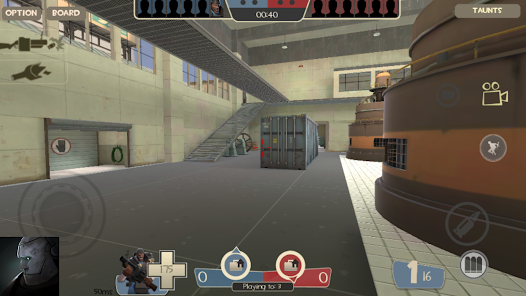
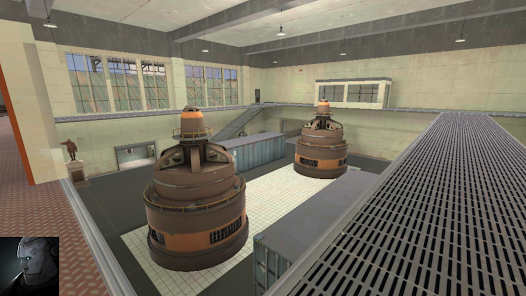
Cities, deserts, and forests are just a few of the many different types of ecosystems you’ll discover as you explore the game’s various maps and levels. Each game is different from the others due to differences in the design and layout of the maps. The graphics are impressive and the character models and maps are extremely detailed. Game audio adds another layer of realism to the experience, making it even more immersive. Take part in the battle of heroes, each of whom has unique abilities. Fight against your opponents in a capture the flag round or on the battlefield, or face off against evil robots. You and your friends, or even strangers, can play together in rooms that you have personally designed and built. Using a strategy and maximizing your potential will take you far, but cooperating with the people you play with is essential if you want to win.
Download Links
Additional Information
Developer
Unknown Developer
Version
N/A
Release / Update Date
N/A
Rating
4.0
How to install Team Fortaleza 2 MOD APK 2.5.1
Team Fortaleza 2 2.5.1 is an Action game. The download file is team-fortaleza-2-v2.5.1-mod.apk.
- Download Team Fortaleza 2 2.5.1 from the list above.
- If the original Team Fortaleza 2 from Google Play is installed, uninstall it first. The MOD uses the same package name but a different signature, so Android will not install it over the original. Before uninstalling, link your Team Fortaleza 2 progress to Google Play Games or the account option in the game settings so you can restore it.
- Allow the installation: Settings > Apps > Special app access > Install unknown apps, then enable it for your browser or file manager.



























