


Screenshots

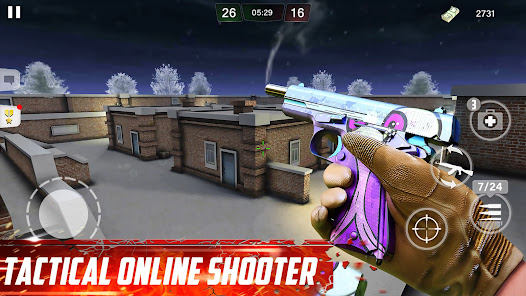
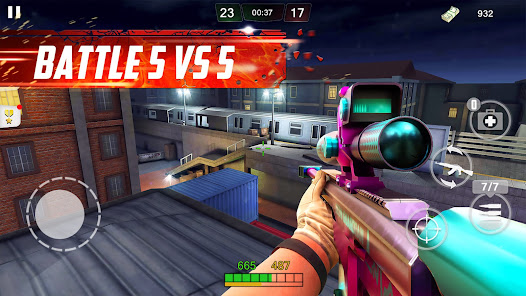
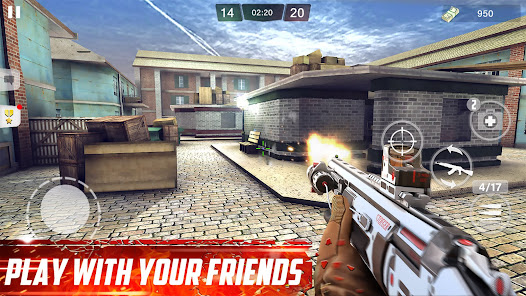
About This App
Description:
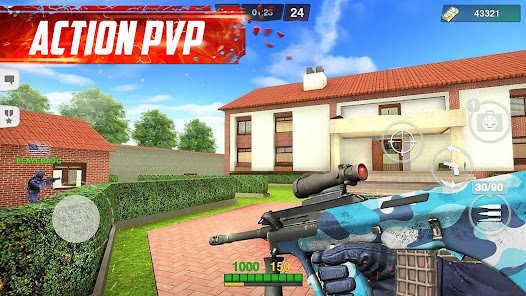
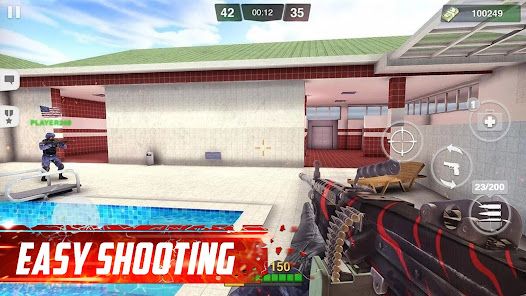
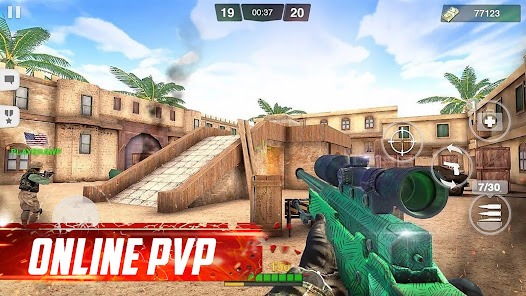
Fight your way through critical battles and hit your enemies in this modern online arena FPS shooter
Here is for you!
If you like online shooters, multiplayer PVP, single player FPS and be snipers then this multiplayer shooter is for you
Features
– maps to get the best FPS shooting experience.
Ranked play mode to get a rank and get more coins.
Custom game mode to create your own game with rules for your friends Single player to play offline with monsters Good maps for snipers
– Log in to receive daily free gifts – Log in to receive daily free gifts, log in to receive free daily tasks!
Log in to receive daily free items. Also, don’t miss the extra EXP time and credits!
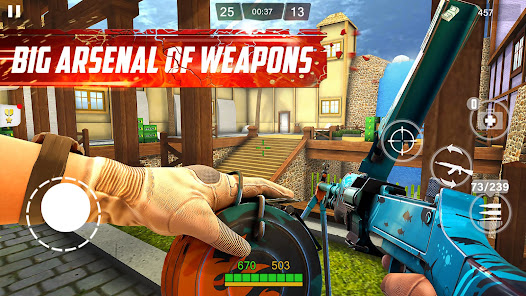
– 20+ weapons, customize your exclusive weapons and skins! – 21 types of weapons: Glock 18, USP Tactical, P228, Desert Eagle.50 AE, FN Five-seveN, Dual 96G Elite Berettas, MAC10, TMP, MP5 navy, UMP, P90, Galil, FAMAS, AK47, M4A1, SG- 552, AUG, M249-SAW, Scout, G3 / SG-1, SG-550 commando, AWP!
Supported Android Versions:-
Jelly Bean(4.1–4.3.1)- KitKat (4.4–4.4.4)- Lollipop (5.0–5.0.2) – Marshmallow (6.0 – 6.0.1) – Nougat (7.0 – 7.1.1) – Oreo (8.0-8.1) – Pie (9.0)
Download Links
How to install Special Ops FPS PvP War Online gun shooting games MOD APK 3.61
Special Ops FPS PvP War Online gun shooting games 3.61 is an Action game by Hazmob. The download file is special-ops-gun-shooting-online-fps-war-game-v1-76-mod.apk. On Google Play the original Special Ops FPS PvP War Online gun shooting games has a 4.3-star rating from 324K reviews and 50,000,000+ installs.
- Start the download of
special-ops-gun-shooting-online-fps-war-game-v1-76-mod.apkusing the button above. - If the original Special Ops FPS PvP War Online gun shooting games from Google Play is installed (
com.hazar.fps), uninstall it first. The MOD uses the same package name but a different signature, so Android will not install it over the original. Before uninstalling, link your Special Ops FPS PvP War Online gun shooting games progress to Google Play Games or the account option in the game settings so you can restore it. - Allow the installation: Settings > Apps > Special app access > Install unknown apps, then enable it for your browser or file manager.



























