


Screenshots

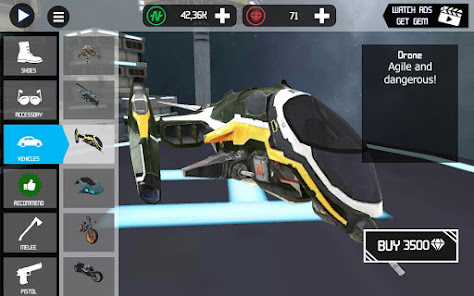
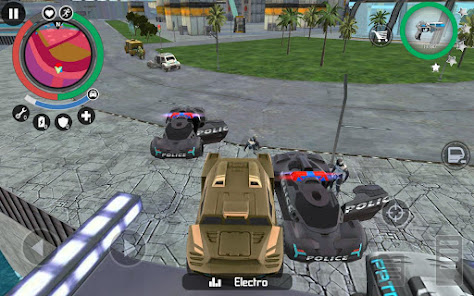
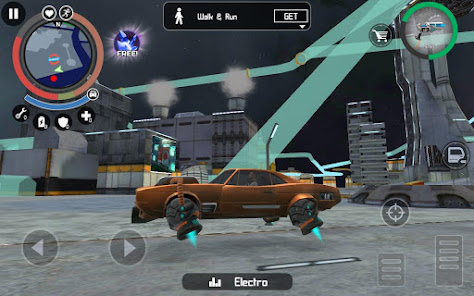
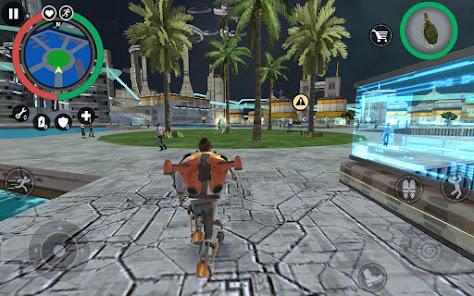
About This App
Description:
– Space car thief game.
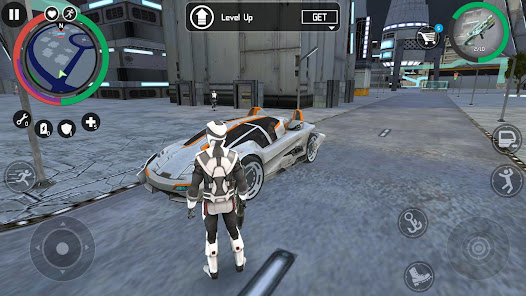
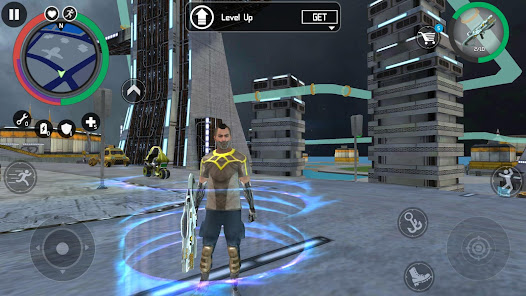
– Rich 3D graphics and realistic physics.
– New Destroyable Vehicle Models.
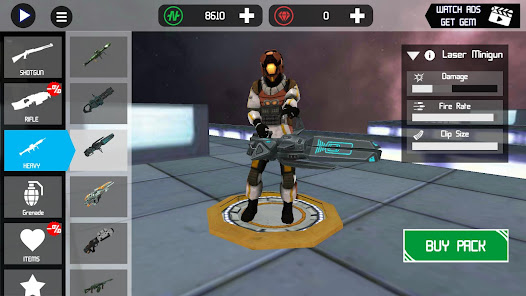
– A wide variety of new weapons!
– A large map to discover.
Continuation of the sensational game with millions of downloads!
Take control of an orbital station and save the galaxy!
Fight endless enemies and use all your arsenal of weapons to succeed.
Take on the role of a gangster on the vast fields of the space station.
Supported Android Versions:-
Jelly Bean(4.1–4.3.1)- KitKat (4.4–4.4.4)- Lollipop (5.0–5.0.2) – Marshmallow (6.0 – 6.0.1) – Nougat (7.0 – 7.1.1) – Oreo (8.0-8.1) – Pie (9.0)
Download Links
Additional Information
Developer
Naxeex Action & RPG Games
Version
2.8.0
Release / Update Date
N/A
Rating
4.1
How to install Space Gangster 2 MOD APK 2.8.0
Space Gangster 2 2.8.0 is an Action game by Naxeex Action & RPG Games. The download file is Space-Gangster-v1-6-Full.apk (74 MB). On Google Play the original Space Gangster 2 has a 4.1-star rating from 80K reviews and 10,000,000+ installs.
- Start the download of
Space-Gangster-v1-6-Full.apkusing the button above (74 MB). - Make sure your phone has about 190 MB of free storage: Android needs extra room to unpack the 74 MB file during installation.
- If the original Space Gangster 2 from Google Play is installed (
com.mgc.space.gangster.two), uninstall it first. The MOD uses the same package name but a different signature, so Android will not install it over the original. Before uninstalling, link your Space Gangster 2 progress to Google Play Games or the account option in the game settings so you can restore it.



























