Screenshots

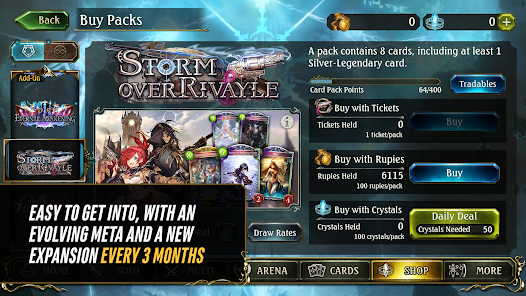
Screenshot 1 for Shadowverse CCG MOD APK android 3.1.7
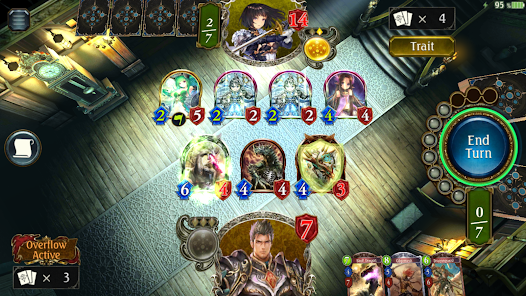
Screenshot 2 for Shadowverse CCG MOD APK android 3.1.7
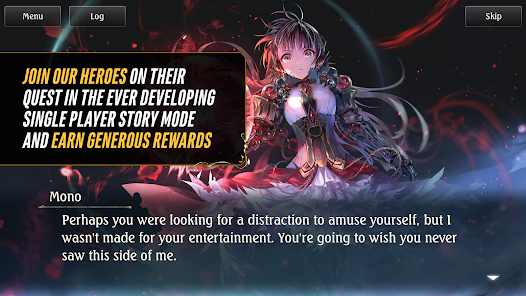
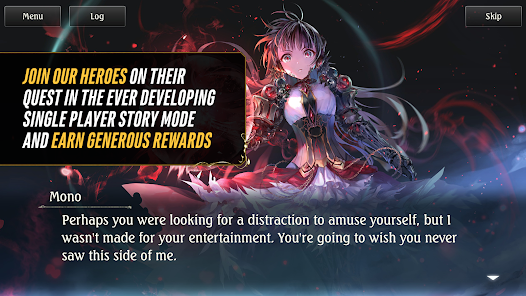
Screenshot 3 for Shadowverse CCG MOD APK android 3.1.7
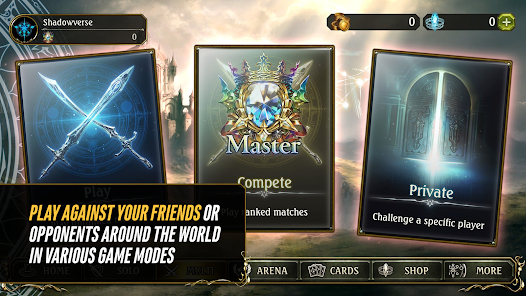
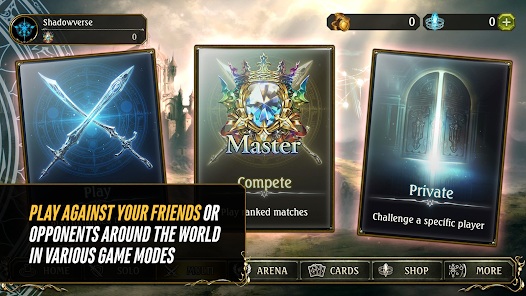
Screenshot 4 for Shadowverse CCG MOD APK android 3.1.7
Screenshot 5 for Shadowverse CCG MOD APK android 3.1.7
Screenshot 6 for Shadowverse CCG MOD APK android 3.1.7
Screenshot 7 for Shadowverse CCG MOD APK android 3.1.7
Screenshot 8 for Shadowverse CCG MOD APK android 3.1.7

About This App

Shadowverse CCG MOD APK Android 3.1.7 Screenshot
Description: “One of my favorite games this year” * IGN Shadowverse is an AAA turn*based card game with a fun*loving community of over 1 million players every day! * FIGHT real time opponents from around the world or enjoy the full story mode audio * STRATEGIZE with innovative mechanics that guarantee epic battles * MASTER eight character classes, each with unique paradigms and assassin cards * SUMMON 2000+ cards, each richly illustrated with stunning fantasy graphics Supported Android Versions:- Jelly Bean(4.1–4.3.1)- KitKat (4.4–4.4.4)- Lollipop (5.0–5.0.2) – Marshmallow (6.0 – 6.0.1) – Nougat (7.0 – 7.1.1) – Oreo (8.0-8.1) – Pie (9.0)

Additional Information

Developer
Cygames, Inc.
Version
4.6.2
Release / Update Date
N/A
Rating
4.0
Show more

How to install Shadowverse CCG MOD APK 4.6.2

Shadowverse CCG 4.6.2 is a Card game by Cygames, Inc.. The download file is shadowverse-v1.6.0-mod.apk (27 MB). On Google Play the original Shadowverse CCG has a 4.0-star rating from 77.2K reviews and 1,000,000+ installs.

  1. Start the download of shadowverse-v1.6.0-mod.apk using the button above (27 MB).
  2. Make sure your phone has about 70 MB of free storage: Android needs extra room to unpack the 27 MB file during installation.
  3. If the original Shadowverse CCG from Google Play is installed (com.cygames.Shadowverse), uninstall it first. The MOD uses the same package name but a different signature, so Android will not install it over the original. Before uninstalling, link your Shadowverse CCG progress to Google Play Games or the account option in the game settings so you can restore it.