


Screenshots
About This App
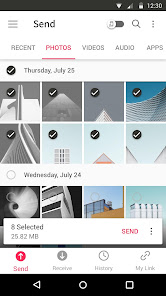
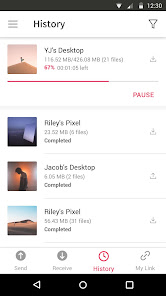
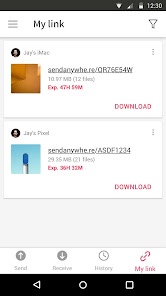
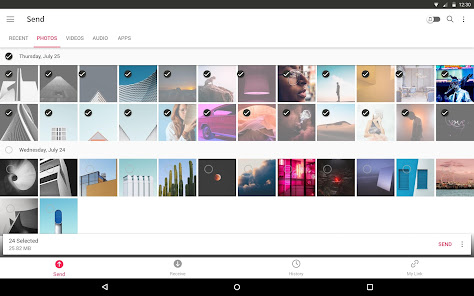
Send Anywhere Mod APK provides a feature that makes it easy to share files of various genres on different platforms. Sharing is easy and you can choose the appropriate sharing method. If you are having trouble sharing a file between different devices, Send Anywhere is a suitable option that gamers cannot ignore. It will allow you to share many different files completely quickly and will allow you to use the file as soon as you finish sharing. At the same time, sharing can also be done quickly with just a few steps.
FEATURES:
– Transfer any type of file without altering the original
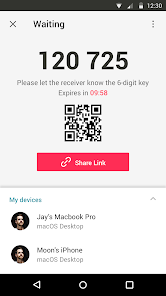
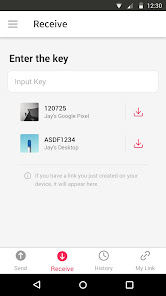
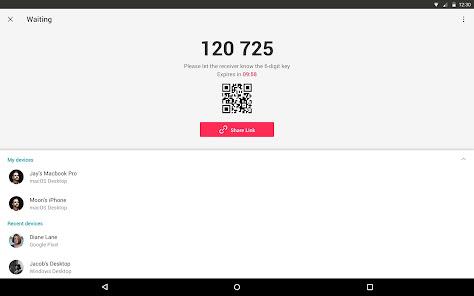
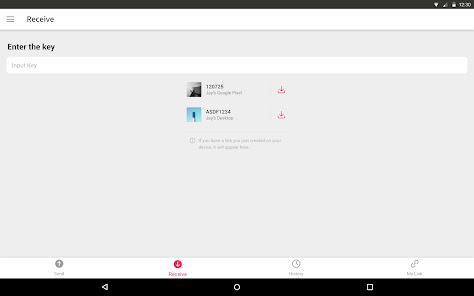
– All you need is a unique 6-digit key for easy file transfer
– Wi-Fi Direct: transfer without using data or the Internet
– Share files with multiple people at once via a link
– Transfer files to a specific device
– Strong file encryption (256 bits)
Supported Android Versions:-
Jelly Bean(4.1-4.3.1)- KitKat (4.4-4.4.4)- Lollipop (5.0-5.0.2) – Marshmallow (6.0-6.0.1) – Nougat (7.0-7.1.1) – Oreo (8.0-8.1) – Pie (9.0) – Android 10 – Android 11
Download Links
Mod Info
- unlocked
- premium
Additional Information
Developer
Rakuten Symphony Korea, Inc.
Version
23.2.10
Release / Update Date
Rating
4.6
How to install Send Anywhere MOD APK 23.2.10
Send Anywhere 23.2.10 is a Productivity app by Rakuten Symphony Korea, Inc., and this MOD version comes with unlocked, premium. The download file is Send_Anywhere-Premium-v23.1.14_build_463472-Mod.apk (37 MB). On Google Play the original Send Anywhere has a 4.6-star rating from 347K reviews and 10,000,000+ installs.
- Start the download of
Send_Anywhere-Premium-v23.1.14_build_463472-Mod.apkusing the button above (37 MB). - Make sure your phone has about 100 MB of free storage: Android needs extra room to unpack the 37 MB file during installation.
- If the original Send Anywhere from Google Play is installed (
com.estmob.android.sendanywhere), uninstall it first. The MOD uses the same package name but a different signature, so Android will not install it over the original.
























