Screenshots




About This App
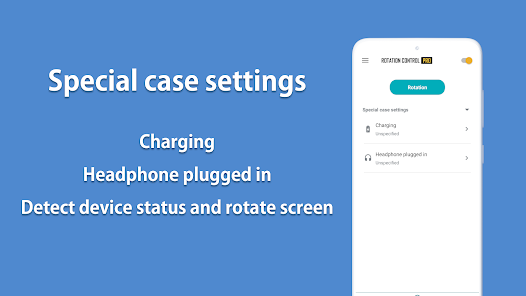
People who can’t figure out how to rotate their screen’s display can benefit from apps like this. In some cases, the user may not be able to alter the application’s orientation, so switching to portrait mode may be necessary to see the full effect. It’s now possible to force applications that don’t allow users to customize their screen’s appearance to rotate around a predetermined axis. It’s easy to use and understand and gives the impression that it’s high quality when it’s doing something.This app allows you to flip your phone’s screen horizontally or vertically. You can quickly and easily rotate the screen by swiping left or right from the notification bar. The screen will automatically rotate to the user’s preferred orientation when an application is opened on a user’s phone or tablet. If you exit an app, the screens revert to their original state. To change the orientation of your screen, simply plug in a charger or headphones. Remove them, and they will return to their original position.
Download Links
Mod Info
- paid
- pro
How to install Rotation Control MOD APK 5.0.7
Rotation Control 5.0.7 is a Personalization app, and this MOD version comes with paid, pro. The download file is Rotation_Control_Pro_v5.0.7_157.zip (5.2 MB).
- Download Rotation Control 5.0.7 from the list above - the file is 5.2 MB.
- Make sure your phone has about 50 MB of free storage: Android needs extra room to unpack the 5.2 MB file during installation.
- If the original Rotation Control from Google Play is installed (
jp.snowlife01.android.rotationcontrolpro), uninstall it first. The MOD uses the same package name but a different signature, so Android will not install it over the original.