Screenshots


About This App
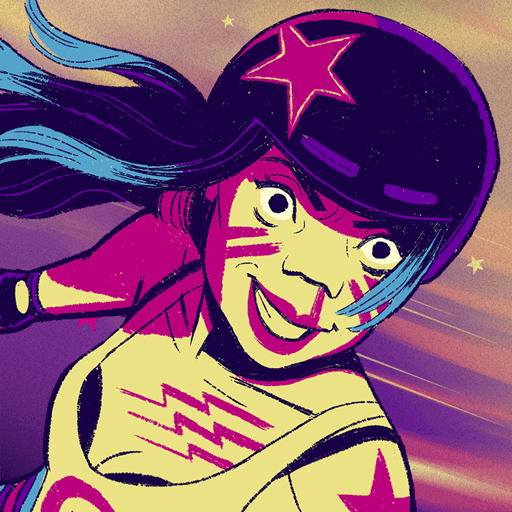
Roller Drama weaves between interactive story and roller derby action to bring players a new breeze as they experience the wildest time for teens. In this game, you are a friend, a coach and everything the girls have, and it is up to you to decide their fate and lead your team to the top of the world with your strategies. This interactive story will introduce you to roughly different branching options, each leading to a different resolution. Both the narrative and the matches can be played multiple times; each championship has its unique story and various ways to resolve the conflict. However, your choices will change a lot, and you can either let the emotion get the better of you or decide the team’s goal and purpose above all else. Every decision is heartbreaking, but you can change their ways and affections.
Download Links
Mod Info
- Full game
How to install Roller Drama MOD APK 1.0.9
Roller Drama 1.0.9 is a Strategy game, and this MOD version comes with Full game. The download file is RollerDrama v1.0.9 [Modded].apk.
- Tap the first download link above to get
RollerDrama v1.0.9 [Modded].apk. - If the original Roller Drama from Google Play is installed, uninstall it first. The MOD uses the same package name but a different signature, so Android will not install it over the original. Before uninstalling, link your Roller Drama progress to Google Play Games or the account option in the game settings so you can restore it.
- Allow the installation: Settings > Apps > Special app access > Install unknown apps, then enable it for your browser or file manager.