


Screenshots



About This App
Real Racing 3 MOD APK:
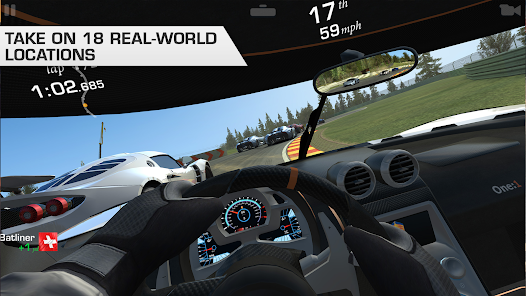
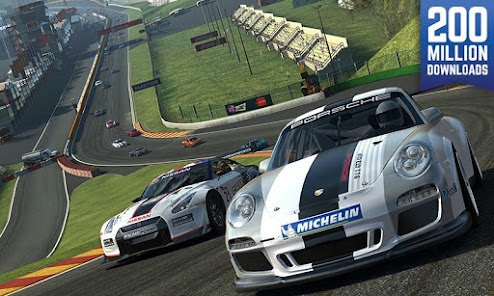
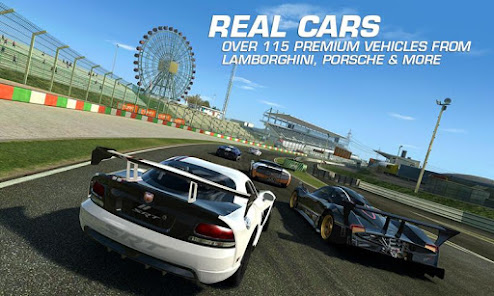
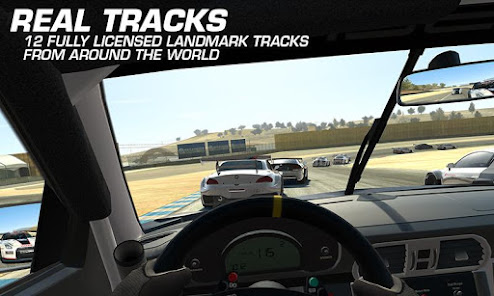
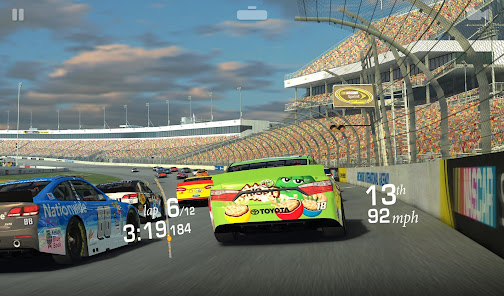
Real Racing 3 – continuation of the famous series of Android racing games from FireMonkey and Electronic Arts companies. The first part was well received by fans and received a lot of positive reviews, but the new part caused a lot of trouble. Real Racing 3 is the award-winning franchise that sets a new standard for mobile racing games. This app offers in-app purchases. You can disable in-app purchases through your device settings. This application may include content provided by third parties. Electronic Arts is not responsible for such content.
Mod Info
- Unlimited Money
- unlocked
Additional Information
Developer
ELECTRONIC ARTS
Version
13.7.1
Release / Update Date
Rating
4.6
How to install Real Racing 3 MOD APK 13.7.1
Real Racing 3 13.7.1 is a Racing game by ELECTRONIC ARTS, and this MOD version comes with Unlimited Money, unlocked. The download file is Real-Racing-3-Mod-APK-Unlimited-money-Free-purchase-13.4.1.apk. On Google Play the original Real Racing 3 has a 4.6-star rating from 7.36M reviews and 100,000,000+ installs.
- Tap the first download link above to get
Real-Racing-3-Mod-APK-Unlimited-money-Free-purchase-13.4.1.apk. - If the original Real Racing 3 from Google Play is installed (
com.ea.games.r3_row), uninstall it first. The MOD uses the same package name but a different signature, so Android will not install it over the original. Before uninstalling, link your Real Racing 3 progress to Google Play Games or the account option in the game settings so you can restore it. - Allow the installation: Settings > Apps > Special app access > Install unknown apps, then enable it for your browser or file manager.
























