Screenshots
About This App
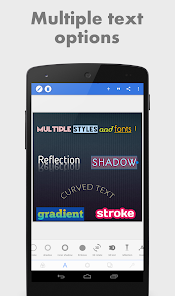
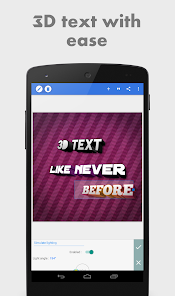
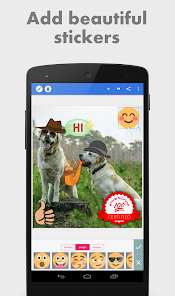
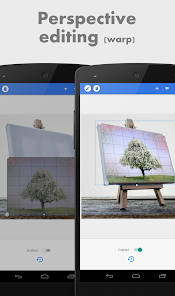
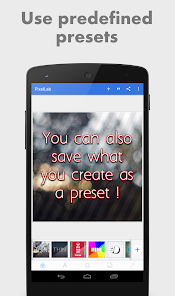
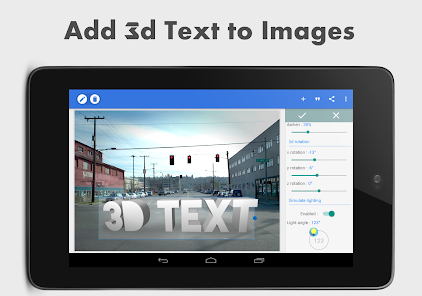
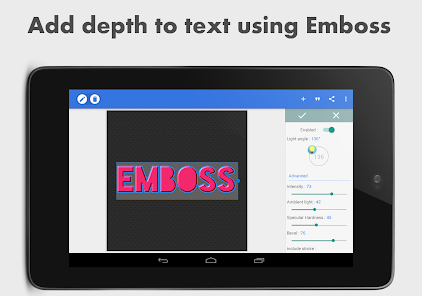
PixelLab is a useful application that allows you to customize your text. With so many preset options, adding text, editing shapes and drawing on photos has never been easier. Everything is laid out in a simple, uncluttered layout that helps you avoid distractions while you work, and it’s easier to search and select, too. In addition, you can also use your own creativity to create beautiful products and make people admire them. Pixel Lab Photo Editor: Adding stylish text, 3D text, shapes, stickers and drawing on your picture has never been easier. With a simple and clean interface that lets you focus on what you’re doing, a wide range of presets, fonts, stickers, backgrounds, 60+ unique options to customize, and of course your imagination, you can Do this Create stunning graphics and amaze your friends right from your phone or tablet.
Supported Android Versions:-
Jelly Bean(4.1-4.3.1)- KitKat (4.4-4.4.4)- Lollipop (5.0-5.0.2) – Marshmallow (6.0-6.0.1) – Nougat (7.0-7.1.1) – Oreo (8.0-8.1) – Pie (9.0) – Android 10 – Android 11
Download Links
Mod Info
- unlocked
- premium
How to install PixelLab Text on pictures MOD APK 2.1.4
PixelLab Text on pictures 2.1.4 is a Photography app by App Holdings, and this MOD version comes with unlocked, premium. The download file is PixelLab_v1.9.9_b40_Modded.apk (21 MB). On Google Play the original PixelLab Text on pictures has a 4.0-star rating from 550K reviews and 100,000,000+ installs.
- Tap the first download link above to get
PixelLab_v1.9.9_b40_Modded.apk(21 MB). - Make sure your phone has about 60 MB of free storage: Android needs extra room to unpack the 21 MB file during installation.
- If the original PixelLab Text on pictures from Google Play is installed (
com.imaginstudio.imagetools.pixellab), uninstall it first. The MOD uses the same package name but a different signature, so Android will not install it over the original.