


Screenshots



About This App
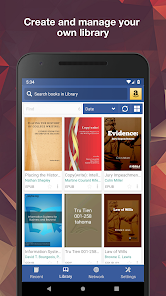
KReader allows you to create self-maintained libraries for all your documents by specifying which formats to include and which folders to scan. You can view your document collections in a list or grid pattern, with resizable thumbnail covers and detailed descriptions. Sort your library by path, name, size, or date, and use the filter to easily locate specific documents or groups of documents. This powerful app supports many popular translators and offline dictionaries. Extracts can be translated, shared, copied and searched online. KReader provides access to online catalogs (OPDS), allowing you to easily search and download books. Its voice reading capability, through TTS Engine or “text to speech”, makes it even more versatile and easy to use.
Download Links
Mod Info
- patched
- paid
- pro
How to install KReader MOD APK 3.6
KReader 3.6 is a Tools app, and this MOD version comes with patched, paid, pro. The download file is KReader-PRO-v3.6-Paid.apk.
- Tap the first download link above to get
KReader-PRO-v3.6-Paid.apk. - If the original KReader from Google Play is installed, uninstall it first. The MOD uses the same package name but a different signature, so Android will not install it over the original.
- Allow the installation: Settings > Apps > Special app access > Install unknown apps, then enable it for your browser or file manager.
























