


Screenshots
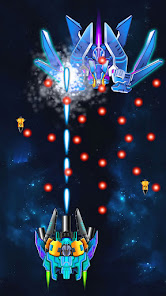
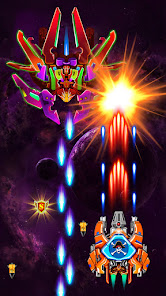
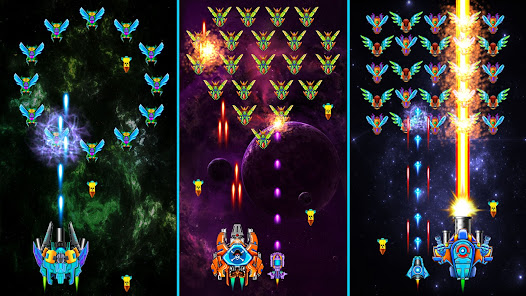
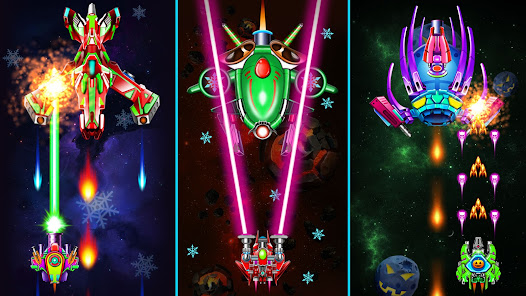
About This App
Description:
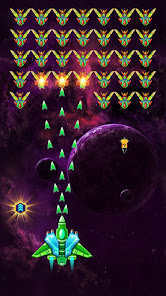
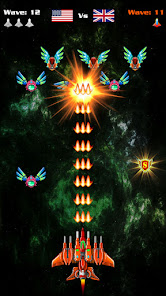
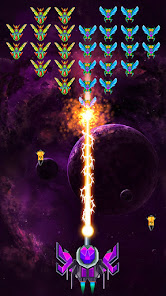
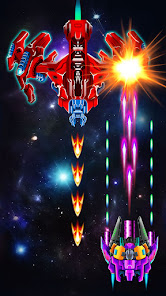
Earth’s last hope is in your hands, take control of a lone spaceship and protect Earth from alien swarms. Your goal will be quite difficult as you will have to save the Universe from evil enemies. In this space shooter you will face an increasing number of enemies in dangerous conditions. As the game progresses, you will earn the right to upgrade your spaceship to release its full lethal capacity.
HOW TO PLAY:
– Touchscreen to move and kill all enemies.
– Collect items to upgrade or change weapons.
Features:
– Multiplayer: 1 vs 1, 1 vs 3
– High-quality images optimized for tablets and large screens.
– Ability to use active skills during space battles.
– The game is full of over 160 levels with different difficulty levels.
– Beautiful levels with addictive missions to complete.
Supported Android Versions:-
Jelly Bean(4.1–4.3.1)- KitKat (4.4–4.4.4)- Lollipop (5.0–5.0.2) – Marshmallow (6.0 – 6.0.1) – Nougat (7.0 – 7.1.1) – Oreo (8.0-8.1) – Pie (9.0)
Download Links
Mod Info
- Unlimited Money
Additional Information
Developer
1SOFT
Version
72.0
Release / Update Date
Apr 24, 2026
Rating
4.6
How to install Galaxy Attack Alien Shooter MOD APK 72.0
Galaxy Attack Alien Shooter 72.0 is an Action game by 1SOFT, and this MOD version comes with Unlimited Money. The download file is Galaxy-Attack-Alien-Shooter-72.0-MOD-APK-Unlimited-Money.apk (314 MB) and runs on Android 7.1 or newer. On Google Play the original Galaxy Attack Alien Shooter has a 4.6-star rating from 2.52M reviews and 100,000,000+ installs.
- Start the download of
Galaxy-Attack-Alien-Shooter-72.0-MOD-APK-Unlimited-Money.apkusing the button above (314 MB). - Make sure your phone has about 790 MB of free storage: Android needs extra room to unpack the 314 MB file during installation.
- If the original Galaxy Attack Alien Shooter from Google Play is installed (
com.alien.shooter.galaxy.attack), uninstall it first. The MOD uses the same package name but a different signature, so Android will not install it over the original. Before uninstalling, link your Galaxy Attack Alien Shooter progress to Google Play Games or the account option in the game settings so you can restore it.



























