Screenshots



About This App
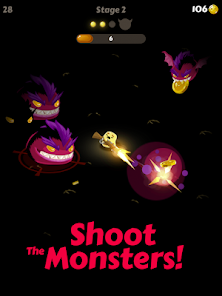
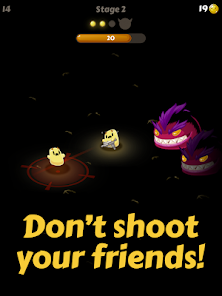
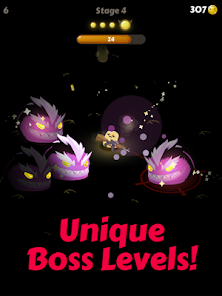
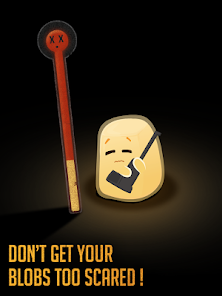
Hopeless is a game of sharp reflexes. Trust your instincts, shoot the monsters, but be careful, don’t shoot the other bubbles! At the beginning of the first few levels, Hopeless will not give you instructions and there are no demo levels. Here, you will be left in a completely different space than in real life. You will face a dark and gloomy space surrounded by a black that looks very scary in this place. So you have to learn adaptability from the moments of being in this world.
Download Links
Mod Info
- unlocked
How to install Hopeless The Dark Cave MOD APK 4.0.6
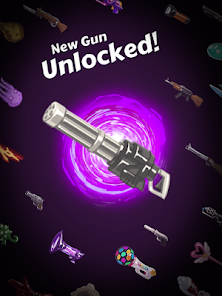
Hopeless The Dark Cave 4.0.6 is an Action game by Upopa Games, and this MOD version comes with unlocked. The download file is Hopeless-The-Dark-Cave-MOD-APK-Guns-unlocked-v2.8.1.apk (53 MB). On Google Play the original Hopeless The Dark Cave has a 2.2-star rating from 279K reviews and 5,000,000+ installs.
- Start the download of
Hopeless-The-Dark-Cave-MOD-APK-Guns-unlocked-v2.8.1.apkusing the button above (53 MB). - Make sure your phone has about 140 MB of free storage: Android needs extra room to unpack the 53 MB file during installation.
- If the original Hopeless The Dark Cave from Google Play is installed (
com.upopa.hopeless), uninstall it first. The MOD uses the same package name but a different signature, so Android will not install it over the original. Before uninstalling, link your Hopeless The Dark Cave progress to Google Play Games or the account option in the game settings so you can restore it.