Screenshots




About This App
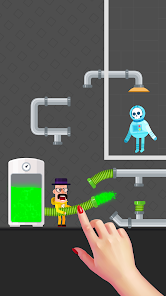
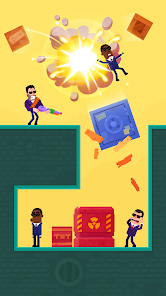
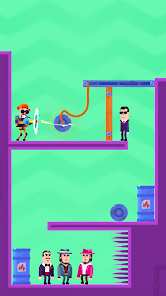
Hitmasters is an arcade action game with puzzle elements in which the player in the role of a spy will go to the fight against terrorists. In each level the user will have to eliminate various enemies with various weapons and objects that surround us. All surrounding objects will obey the laws of physics which you must use to destroy all targets. Have you ever dreamed of becoming a spy? Start with simple puzzles and then work your way up to some challenging levels! Tons of weapons await you in the game’s arsenal. Try them all!
Download Links
Mod Info
- Free Shopping
Additional Information
Developer
CASUAL AZUR GAMES
Version
1.28.0
Release / Update Date
Jan 28, 2026
Rating
4.9
How to install Hitmasters MOD APK 1.28.0
Hitmasters 1.28.0 is a Puzzle game by CASUAL AZUR GAMES, and this MOD version comes with Free Shopping. The download file is Hitmasters-1.28.0-mod-apk-unlimited-money.apk (121 MB) and runs on Android 5.1 or newer. On Google Play the original Hitmasters has a 4.9-star rating from 1.09M reviews and 100,000,000+ installs.
- Download Hitmasters 1.28.0 from the list above - the file is 121 MB.
- Make sure your phone has about 310 MB of free storage: Android needs extra room to unpack the 121 MB file during installation.
- If the original Hitmasters from Google Play is installed (
com.playgendary.hitmasters), uninstall it first. The MOD uses the same package name but a different signature, so Android will not install it over the original. Before uninstalling, link your Hitmasters progress to Google Play Games or the account option in the game settings so you can restore it.