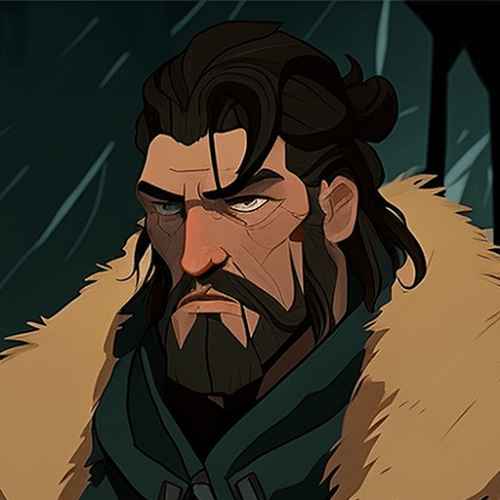
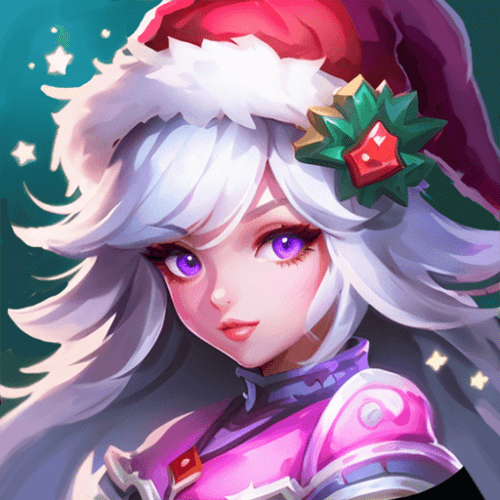
Screenshots

About This App
Description:
Known for games such as Overwatch® and World of Warcraft®, Blizzard Entertainment is introducing HEARTHSTONE®, the award-winning collector’s card game. Collect powerful cards and create amazing decks. Summon minions and cast spells to take control of an ever-changing battlefield. Develop a masterful strategy and defeat all players who challenge you.
FEATURES:
GRIND YOUR SKILLS: Practice with computer-controlled heroes, take on players from around the world in real-time PvP duels, and challenge the most powerful heroes in Warcraft history.
PLAY IN THE VIRUS OF FUN: Introductory Missions will immerse you in the intuitive world of Hearthstone. You are only seconds away from the first match!
FIGHT LEGENDARY HEROES: To defeat tough opponents from around the world in real-time PvP combat, you need to build a deck. There are hundreds of unique cards to choose from. In this card game, your collection grows as you progress.
NEW 8-PLAYER MODE: Do you dare to test your skills in Battlegrounds? Together with 7 other players, you will play the role of heroes from WoW, recruit minions to powerful armies, and finally fight. There is only one winner in this auto-battler mode!
Supported Android Versions:-
Jelly Bean(4.1–4.3.1)- KitKat (4.4–4.4.4)- Lollipop (5.0–5.0.2) – Marshmallow (6.0 – 6.0.1) – Nougat (7.0 – 7.1.1) – Oreo (8.0-8.1) – Pie (9.0)
Download Links
How to install Hearthstone MOD APK 19.4.73652
Hearthstone 19.4.73652 is a Card game. The download file is Hearthstone-21.8.126806.apk (109 MB).
- Start the download of
Hearthstone-21.8.126806.apkusing the button above (109 MB). - Make sure your phone has about 280 MB of free storage: Android needs extra room to unpack the 109 MB file during installation.
- If the original Hearthstone from Google Play is installed (
com.blizzard.wtcg.hearthstone), uninstall it first. The MOD uses the same package name but a different signature, so Android will not install it over the original. Before uninstalling, link your Hearthstone progress to Google Play Games or the account option in the game settings so you can restore it.