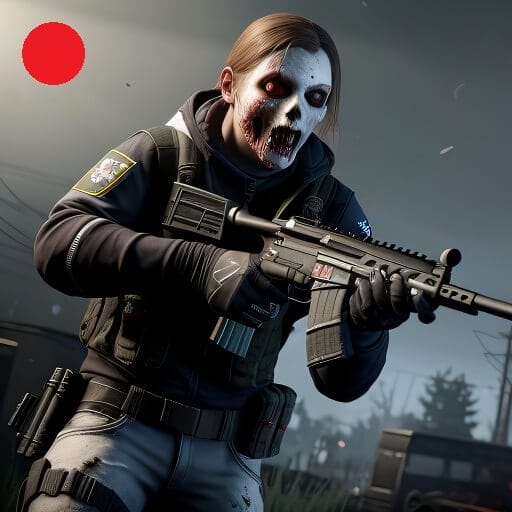
Screenshots

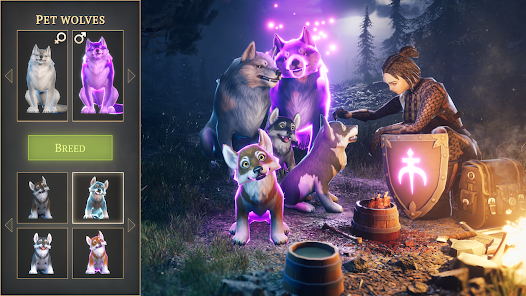
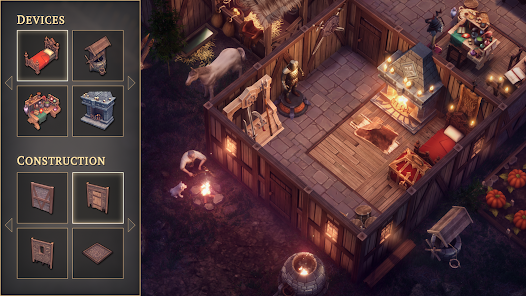
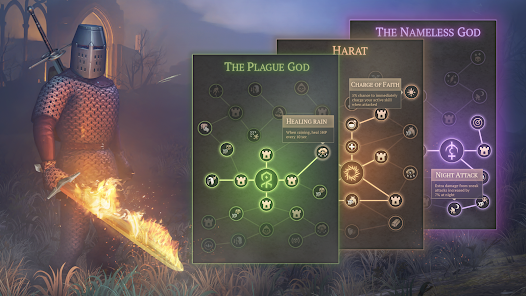
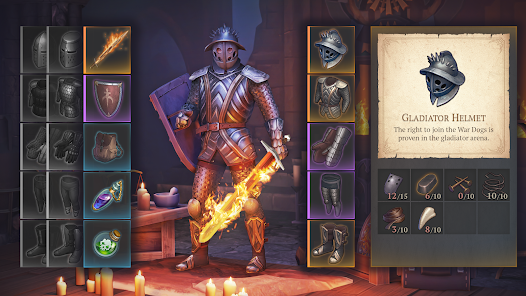


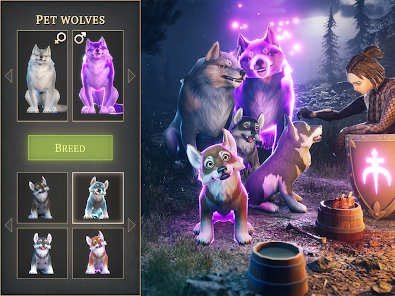
About This App
Description:
Download Links
Mod Info
- Menu
Additional Information
Developer
Brickworks Games Ltd
Version
8.1.3
Release / Update Date
Apr 24, 2026
Rating
4.5
How to install Grim Soul Dark Fantasy Survival MOD APK 8.1.3
Grim Soul Dark Fantasy Survival 8.1.3 is an Action game by Brickworks Games Ltd, and this MOD version comes with Menu. The download file is Grim-Soul-Dark-Fantasy-Survival-8.1.3-MOD-APK-Menu.apk (298 MB) and runs on Android 7.0 or newer. On Google Play the original Grim Soul Dark Fantasy Survival has a 4.5-star rating from 765K reviews and 10,000,000+ installs.
- Download Grim Soul Dark Fantasy Survival 8.1.3 from the list above - the file is 298 MB.
- Make sure your phone has about 750 MB of free storage: Android needs extra room to unpack the 298 MB file during installation.
- If the original Grim Soul Dark Fantasy Survival from Google Play is installed (
fantasy.survival.game.rpg), uninstall it first. The MOD uses the same package name but a different signature, so Android will not install it over the original. Before uninstalling, link your Grim Soul Dark Fantasy Survival progress to Google Play Games or the account option in the game settings so you can restore it.