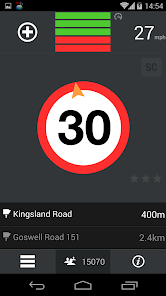
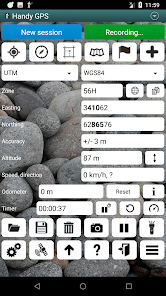
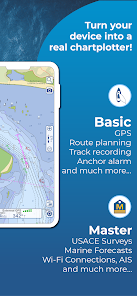
Screenshots


About This App
Gaia GPS is a mapping tool that allows users to see and find places and routes with maps developed explicitly for mountainous terrain so you can have a powerful tool for your journey. Join the millions of people around the world who use Gaia GPS to backpack, hike, find campsites, and explore trails and back roads around the world. Gaia GPS is the best mapping and navigation app for backpackers, hikers, off-roaders, and all outdoor lovers alike. Featured in countless publications like the New York Times, the Washington Post, and GearJunkie, Gaia GPS offers the best offline maps and navigation tools for your adventures.
Download Links
Mod Info
- premium
Additional Information
Developer
Outside, Inc.
Version
2025.5
Release / Update Date
Rating
3.3
How to install Gaia GPS Offroad Hiking Maps MOD APK 2025.5
Gaia GPS Offroad Hiking Maps 2025.5 is a Maps & Navigation app by Outside, Inc., and this MOD version comes with premium. The download file is Gaia-GPS-MOD-APK-Subscribed-Unlocked-v2024.7.apk. On Google Play the original Gaia GPS Offroad Hiking Maps has a 3.3-star rating from 20.3K reviews and 1,000,000+ installs.
- Start the download of
Gaia-GPS-MOD-APK-Subscribed-Unlocked-v2024.7.apkusing the button above. - If the original Gaia GPS Offroad Hiking Maps from Google Play is installed (
com.trailbehind.android.gaiagps.pro), uninstall it first. The MOD uses the same package name but a different signature, so Android will not install it over the original. - Allow the installation: Settings > Apps > Special app access > Install unknown apps, then enable it for your browser or file manager.