

CyberSphere TPS Online Action-Shooting Game MOD APK android 2.46
Decakisunjarum Shooting Games
 हिन्दी
Hindi
 Русский
Russian
 Bahasa Indonesia
Indonesian
 Tiếng Việt
Vietnamese
 Português
Portuguese
 Türkçe
Turkish
 Español
Spanish
 اردو
Urdu
 বাংলা
Bengali
 فارسی
Persian
 Українська
Ukrainian
 ภาษาไทย
Thai
 العربية
Arabic
 Polski
Polish
 Français
French
 Deutsch
German
 Italiano
Italian
 Bahasa Melayu
Malay
 日本語
Japanese
 中文
Chinese
 Tagalog
 Nederlands
Dutch
 Română
Romanian

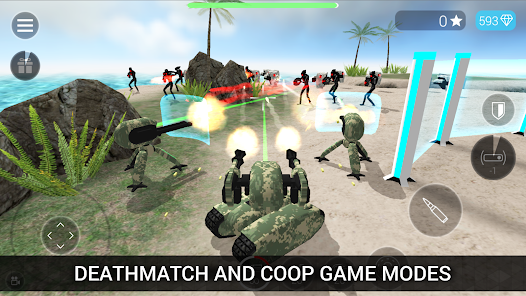
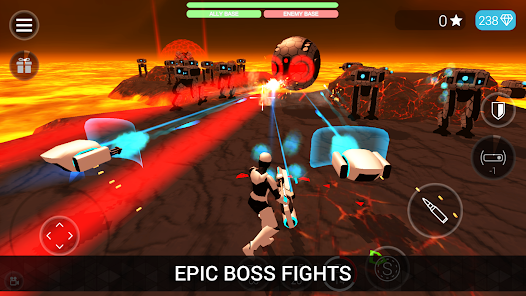
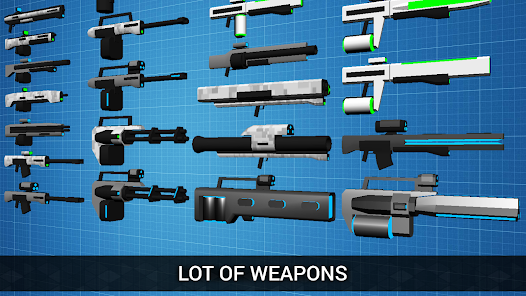
Description:
The invasion began 54 years ago. They came out of nowhere, their robotic armies smashed our defenses in a week, but we didn’t give up.
We fought, we studied the enemy, and we started to win. Now is 2077, and we are ready to stop this war.
We have a super powerful energy and explosive weapon.
We used some of the extraterrestrial technologies to create our own combat robots and power armor for our soldiers.
And we have a plan to stop the invasion. All we need is you!
Features:
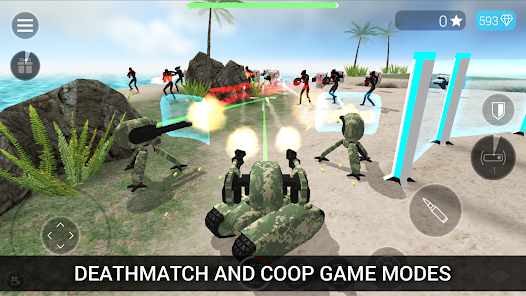
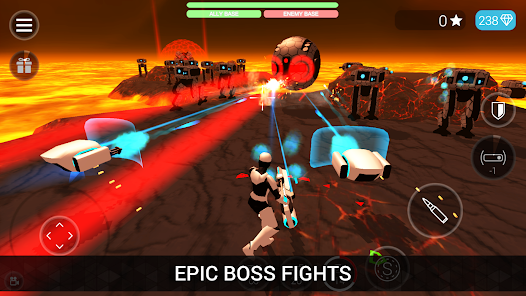
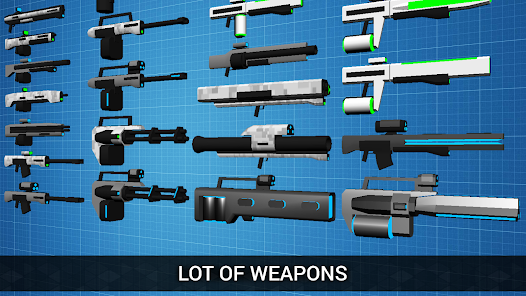
– Tools of Destruction – More than 30 powerful weapons in the armory
– Variety – You can control your hero in twinstick or 3rd person mode. Gamepad is supported!
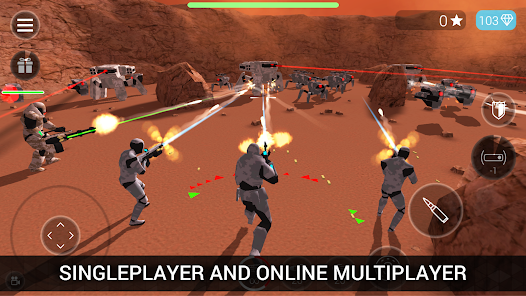
– Team up – multiplatform online multiplayer – play with friends all over the world over the internet.
– Use Tactics – Choose 16 types of AI controlled helpers to attack, protect or support.
– Customization – There are many characters, weapons and skins.
Supported Android Versions:-
Jelly Bean(4.1–4.3.1)- KitKat (4.4–4.4.4)- Lollipop (5.0–5.0.2) – Marshmallow (6.0 – 6.0.1) – Nougat (7.0 – 7.1.1) – Oreo (8.0-8.1) – Pie (9.0)
CyberSphere TPS Online Action-Shooting Game 2.46 is an Action game by Decakisunjarum Shooting Games. The download file is cybersphere-v1.7.3-mod.apk. On Google Play the original CyberSphere TPS Online Action-Shooting Game has a 4.6-star rating from 137K reviews and 10,000,000+ installs.
com.lb4business.cybersphereonline), uninstall it first. The MOD uses the same package name but a different signature, so Android will not install it over the original. Before uninstalling, link your CyberSphere TPS Online Action-Shooting Game progress to Google Play Games or the account option in the game settings so you can restore it.



























