

City Island 3 Building Sim Offline MOD APK android 3.2.6
Sparkling Society - Build Town City Building Games
 हिन्दी
Hindi
 Русский
Russian
 Bahasa Indonesia
Indonesian
 Tiếng Việt
Vietnamese
 Português
Portuguese
 Türkçe
Turkish
 Español
Spanish
 اردو
Urdu
 বাংলা
Bengali
 فارسی
Persian
 Українська
Ukrainian
 ภาษาไทย
Thai
 العربية
Arabic
 Polski
Polish
 Français
French
 Deutsch
German
 Italiano
Italian
 Bahasa Melayu
Malay
 日本語
Japanese
 中文
Chinese
 Tagalog
 Nederlands
Dutch
 Română
Romanian



Description:
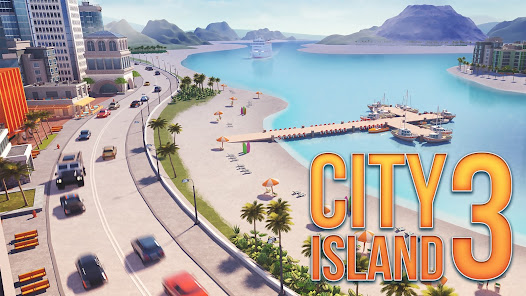
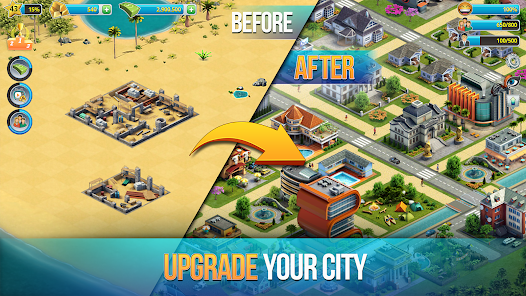
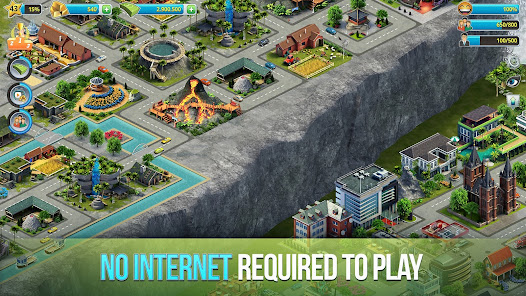
If you like exotic villages to build cities, you’ll love City Island 3 * Building Sim Offline! Join over 25 million players and start playing this popular offline game for city builders today! Start on an exotic island with cash and gold and start building a city from there. Just start by building one house, enlarge it to the village, then create a city and try to expand it to the metropolis.
Features:
* Easy to play building sim
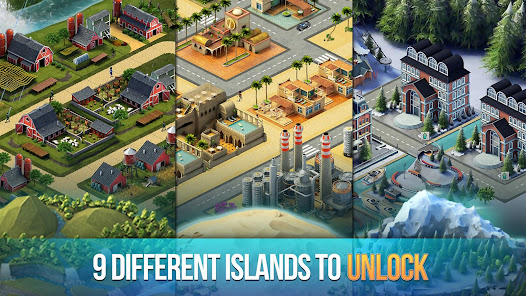
* Create and decorate the beautiful islands of your own archipelago with over 300 unique items, be creative!
* It’s FREE to play the tycoon
* Tablet support
* HIGH QUALITY graphics
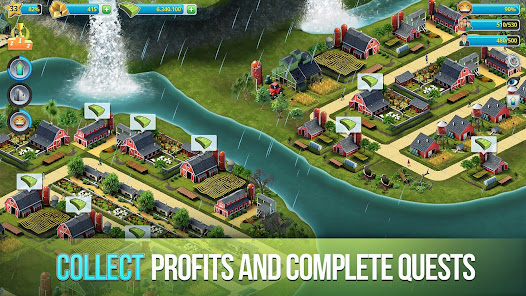
* Intuitive gameplay with difficult tasks, rewards and achievements
* Enjoy fun tasks that will help you create your own virtual paradise in this free city game!
* Currencies: gold and cash, pirate chests
Supported Android Versions:-
Jelly Bean(4.1–4.3.1)- KitKat (4.4–4.4.4)- Lollipop (5.0–5.0.2) – Marshmallow (6.0 – 6.0.1) – Nougat (7.0 – 7.1.1) – Oreo (8.0-8.1) – Pie (9.0)
City Island 3 Building Sim Offline 3.8.1 is a Simulation game by Sparkling Society - Build Town City Building Games, and this MOD version comes with offline. The download file is city-island-winter-edition-v3.4.0-mod.apk (51 MB). On Google Play the original City Island 3 Building Sim Offline has a 4.3-star rating from 2K reviews and 10,000,000+ installs.
city-island-winter-edition-v3.4.0-mod.apk (51 MB).com.sparklingsociety.cityisland3), uninstall it first. The MOD uses the same package name but a different signature, so Android will not install it over the original. Before uninstalling, link your City Island 3 Building Sim Offline progress to Google Play Games or the account option in the game settings so you can restore it.
























