Screenshots


About This App
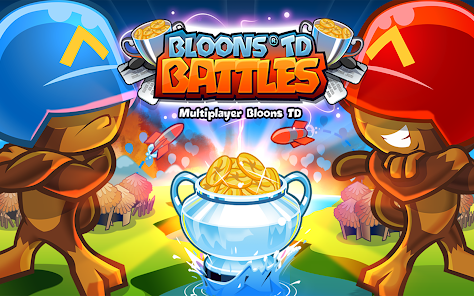
Bloons TD Battles – A very unusual representative of the TD strategy subgenre, which are a standalone addition to the original Bloons TD 5. The action focuses on the battles in the multiplayer mode. Go monkey vs. monkey with other players in an explosive battle for victory! From the creators of the best-selling Bloons TD 5, this new Battles game is purpose-built for multiplayer combat, featuring 18 custom head-to-head tracks, awesome towers and upgrades, new attacks and defense boosts, and the ability to control bloons. directly and send them charging past your opponent’s defenses.
Download Links
Mod Info
- money
How to install Bloons TD Battles MOD APK 6.23.1
Bloons TD Battles 6.23.1 is a Strategy game by ninja kiwi, and this MOD version comes with money. The download file is Bloons-TD-Battles-mod-apk-Unlimited-Medallions-6.20.2.apk (105 MB). On Google Play the original Bloons TD Battles has a 4.3-star rating from 918K reviews and 10,000,000+ installs.
- Start the download of
Bloons-TD-Battles-mod-apk-Unlimited-Medallions-6.20.2.apkusing the button above (105 MB). - Make sure your phone has about 270 MB of free storage: Android needs extra room to unpack the 105 MB file during installation.
- If the original Bloons TD Battles from Google Play is installed (
com.ninjakiwi.bloonstdbattles), uninstall it first. The MOD uses the same package name but a different signature, so Android will not install it over the original. Before uninstalling, link your Bloons TD Battles progress to Google Play Games or the account option in the game settings so you can restore it.