Screenshots



About This App
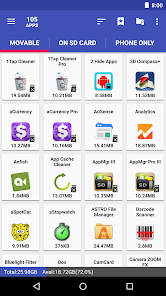
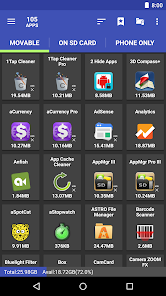
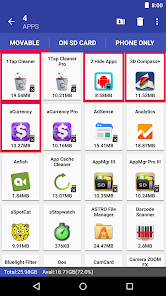
AppMgr Pro III comes with support for new devices; normally, it stops all unused applications from running. The content selected for this job is the location where the do not disturb policy should be applied; All connections to the source CPU or memory will be cut. Therefore, your device will work better. You can freeze apps so they don’t use CPU or memory resources and don’t consume battery. It is good for you to freeze the applications that you would like to keep on the device, but do not want them to run or uninstall. Manage apps to batch uninstall, move apps, or share apps with friends.
Download Links
Mod Info
- patched
- pro
Additional Information
Developer
AZSoft Technology Inc.
Version
6.04
Release / Update Date
Rating
4.7
How to install AppMgr MOD APK 6.04
AppMgr 6.04 is a Tools app by AZSoft Technology Inc., and this MOD version comes with patched, pro. The download file is AppMgr-Pro-III-MOD-APK-Patched-Mod-Extra-v5.85.apk (7.1 MB). On Google Play the original AppMgr has a 4.7-star rating from 22.3K reviews and 100,000+ installs.
- Download AppMgr 6.04 from the list above - the file is 7.1 MB.
- Make sure your phone has about 50 MB of free storage: Android needs extra room to unpack the 7.1 MB file during installation.
- If the original AppMgr from Google Play is installed (
com.a0soft.gphone.app2sd.pro), uninstall it first. The MOD uses the same package name but a different signature, so Android will not install it over the original.