Alight Motion MOD APK 5.0.249.1002172 No Watermark, Unlocked
Alight Motion
 हिन्दी
Hindi
 Русский
Russian
 Bahasa Indonesia
Indonesian
 Tiếng Việt
Vietnamese
 Português
Portuguese
 Türkçe
Turkish
 Español
Spanish
 اردو
Urdu
 বাংলা
Bengali
 فارسی
Persian
 Українська
Ukrainian
 ภาษาไทย
Thai
 العربية
Arabic
 Polski
Polish
 Français
French
 Deutsch
German
 Italiano
Italian
 Bahasa Melayu
Malay
 日本語
Japanese
 中文
Chinese
 Tagalog
 Nederlands
Dutch
 Română
Romanian
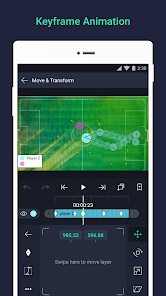
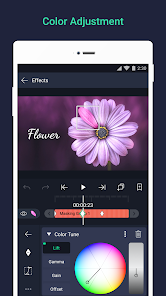

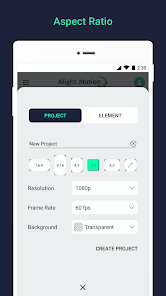


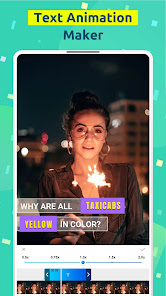
Alight Motion Mod APK No Watermark Video and Animation Editor brings the world of professional animations and videos closer to ordinary users by enabling the helpful editing tool on users’ mobile devices. Be part of the movement! Alight Motion is the first professional motion design app that brings you professional-grade animation, motion graphics, visual effects, video editing, video compositing, and more! Here in the app, you can get access to awesome editing tools and brilliant visual effects, which can be used to create your own personal cuts of videos and animations. Feel free to capture footage or draw directly into your devices and create great videos from it.
Alight Motion 5.0.272.1028401 is a Video Players & Editors app by Alight Motion, and this MOD version comes with unlocked. The download file is Alight-Motion-v5.0.229.1001615-Premium-Stable.apk. On Google Play the original Alight Motion has a 4.0-star rating from 1.16M reviews and 100,000,000+ installs.
Alight-Motion-v5.0.229.1001615-Premium-Stable.apk using the button above.com.alightcreative.motion), uninstall it first. The MOD uses the same package name but a different signature, so Android will not install it over the original.